
Introduction
The question of whether streaming services are legally available in Australia has grown increasingly complex in recent years. With rising subscription costs for traditional services, many Australians are exploring alternatives like IPTV and Speedtest to check if their internet can handle these streaming options. Understanding if IPTV is legal in Australia requires examining both the technology itself and how it’s being used.
In Australia, the legality of IPTV services depends entirely on the content being streamed. Licensed IPTV providers offering properly acquired broadcasting rights operate completely within Australian law. However, services providing unauthorized access to premium content without proper licensing arrangements violate copyright law under the Copyright Act 1968, which was strengthened by the Copyright Amendment (Online Infringement) Act 2018.
This guide examines the legal landscape of IPTV in Australia as of 2026, helping you understand what’s permitted, what’s prohibited, and how to enjoy streaming content safely and legally.
What You Need Before You Start
Before diving into the IPTV world in Australia, ensure you have the right equipment and connections ready.
- Firestick / Fire TV: Amazon’s streaming devices offer excellent IPTV compatibility with simple app installation.
- Android TV & Google TV: Devices running these operating systems provide native support for most IPTV applications.
- Samsung & LG Smart TVs: Modern smart TVs from these manufacturers can run IPTV apps directly.
- iPhone & iPad (iOS): Apple devices require specific IPTV apps from the App Store that comply with Apple’s guidelines.
- Windows PC & Mac: Both platforms support IPTV viewing through specialized applications or web browsers.
- MAG Boxes: Purpose-built for IPTV services, offering a dedicated streaming experience.
- Chromecast with Google TV: Google’s streaming device supports major IPTV applications.
Activation & Setup Timeline

⏱ 0–2 minutes: Sign up for a subscription plan that fits your viewing habits. You’ll need to provide an email address and payment details. After payment confirmation, you’ll receive an email with your subscription credentials and service URLs.
⏱ 2–5 minutes: Download and install your preferred IPTV application on your chosen device. For Android/Fire devices, this means installing from the app store or sideloading. For Apple devices, download from the App Store.
⏱ 5–8 minutes: Enter your credentials into the app. This typically involves inputting your username, password, and the service URL provided in your welcome email. Some apps may require you to add an M3U playlist or enter an EPG (Electronic Program Guide) URL.
⏱ 8–10 minutes: Customize your viewing experience by organizing favorites, setting parental controls, and adjusting video quality settings to match your internet capabilities.
Step-by-Step Installation Guide
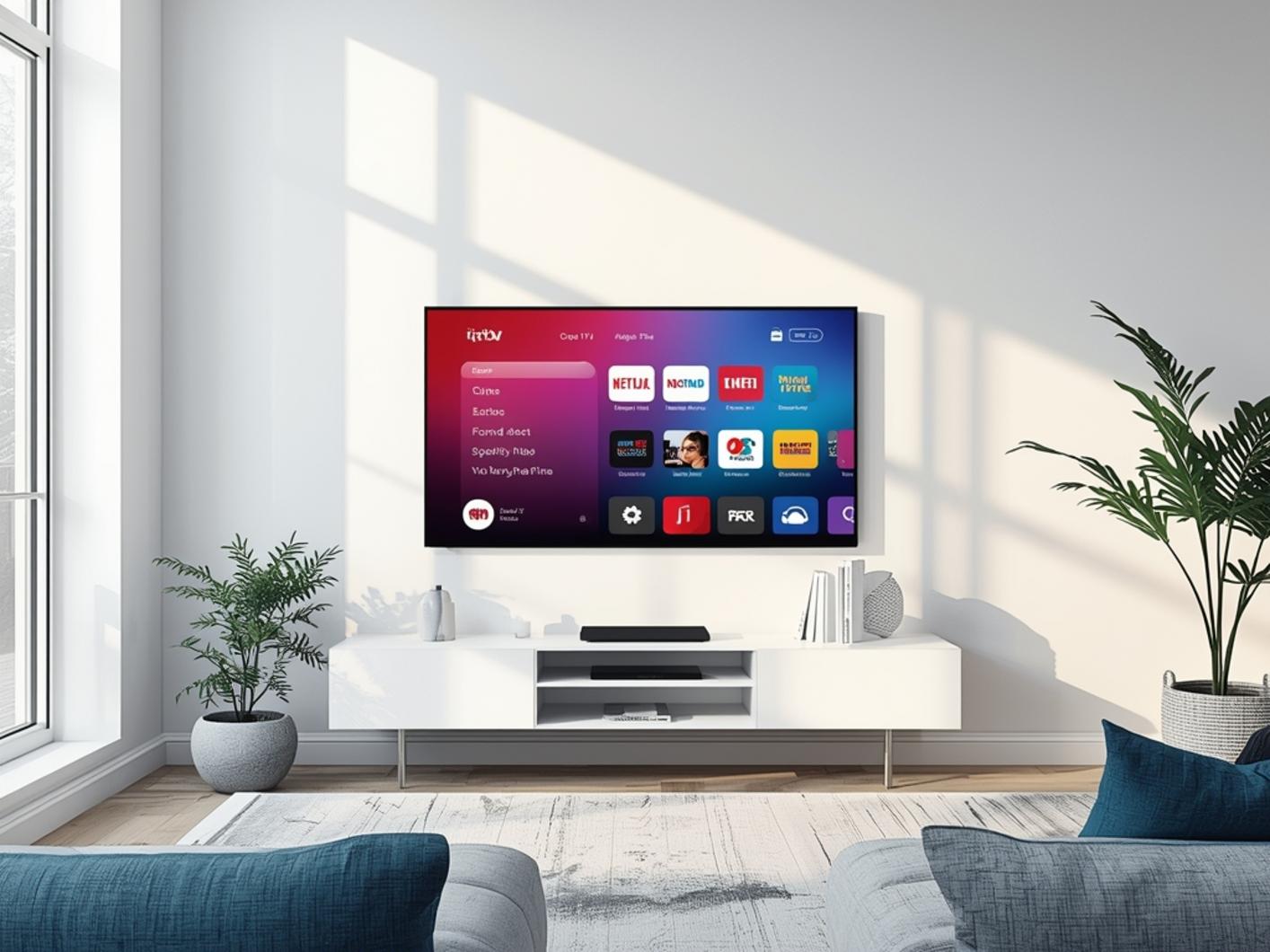
- Choose your subscription plan – Select from monthly, quarterly, or annual options based on your budget and commitment preferences. Most services offer a free trial period to test compatibility with your devices.
- Select a compatible IPTV player – Different players offer varying features and interfaces. Popular options include TiviMate, IPTV Smarters Pro, GSE Smart IPTV, and Perfect Player.
- Download your chosen player app – For Android TV, Google TV, or FireStick, you can typically find these apps in their respective app stores. On iOS, download approved players from the App Store.
- Install your IPTV app – After downloading, open the installer and follow the on-screen instructions. For i ptv services on Firestick, you may need to allow installation from unknown sources in your device settings.
- Launch the app and login – Open your newly installed app and look for options like “Add Playlist,” “Add New Subscription,” or “Login.” Enter your credentials here.
- Enter your service details – Input the M3U URL or XC login credentials provided by your IPTV service. This typically includes a domain name, username, and password.
- Configure your settings – Set up your EPG (Electronic Program Guide), adjust video quality settings based on your internet speed, and organize your channel groups according to your viewing preferences.
- Test your connection – Open a few channels from different categories to ensure everything is working correctly. Check both standard and high-definition channels to test performance.
Why It Outperforms Traditional TV
The shift from traditional television to IPTV services represents more than just a technological evolution—it’s a fundamental reimagining of how we consume media. While cable and satellite TV dominated Australian living rooms for decades, IPTV has rapidly gained market share by addressing fundamental consumer pain points.
| Feature | iptv subscription | Cable TV | YouTube TV |
|---|---|---|---|
| Monthly Cost | $15-25 | $65-120 | $72.99 |
| Channels | 20,000+ | 100-200 | 100+ |
| 4K Quality | Yes | Limited | Select Content |
| PPV Included | Yes | No | No |
| Contract Required | No | Usually 12-24 months | No |
| Device Flexibility | All devices | TV + rented box | Most devices |
Beyond the raw numbers, IPTV offers international content that’s simply unavailable through Australian cable providers. Sports fans can access competitions from around the globe without expensive add-on packages. For multilingual households, foreign language channels provide content in dozens of languages rather than the handful offered by traditional providers.
Performance Tips From Real Users
While IPTV setup is straightforward, experienced users have discovered several optimization techniques that significantly improve performance. These insider tips can transform a good streaming experience into an exceptional one:
- Use Wired Connections Whenever Possible – Even high-end WiFi can’t match the stability of an Ethernet connection. Experienced users connect their primary viewing devices directly to their routers using Ethernet cables, eliminating WiFi interference issues completely.
- Implement DNS-level Solutions – Advanced users configure custom DNS settings on their routers (not just devices) to improve connection reliability and sometimes bypass ISP throttling. CloudFlare’s 1.1.1.1 and Google’s 8.8.8.8 are popular choices among IPTV enthusiasts.
- Regular Maintenance Schedule – Power users clear their app cache weekly, not just when problems arise. On Firestick and Android devices, clearing the cache from device settings (not just within the app) prevents the gradual performance degradation that newcomers often experience.
- Buffer Size Optimization – Contrary to intuition, setting a larger buffer isn’t always better. Expert users adjust buffer size based on connection stability: smaller buffers (2-3 seconds) for very stable connections to reduce latency, larger buffers (5-10 seconds) for less stable connections.
- Strategic Viewing Times – Veterans avoid peak hours (7-10 PM) for critical viewing like sports events. Server load is significantly lower during off-peak hours, resulting in higher quality streams and fewer interruptions.
- Multiple App Installation – Rather than relying on a single player app, experienced users install 2-3 different players (TiviMate, IPTV Smarters Pro, and Perfect Player) and configure each with their subscription. This provides backup options if one application has issues.
Conclusion
The legal status of IPTV in Australia hinges entirely on content licensing—services operating with proper broadcasting rights are perfectly legal, while those pirating content violate copyright law. With the right approach, Australian viewers can legally enjoy IPTV and i ptv services that provide exceptional value while respecting intellectual property rights.
The streaming landscape continues to evolve rapidly, with legitimate IPTV options offering compelling alternatives to traditional cable and satellite services. As technology improves and more content providers embrace IP-based distribution, the distinction between traditional TV and IPTV will likely continue to blur.
Don’t miss out on revolutionizing your viewing experience—start your risk-free trial today and discover why thousands of Australians are making the switch to authorized IPTV services for their entertainment needs.
Frequently Asked Questions
What is the typical pricing for legal IPTV services in Australia?
Legal IPTV services in Australia typically range from AUD $15 to $25 per month for basic packages, with premium packages reaching $30-40 monthly. Most providers offer substantial discounts of 20-30% for quarterly or annual subscriptions, bringing the effective monthly cost down to $10-15 for long-term commitments.
Which devices offer the best IPTV viewing experience?
The Nvidia Shield TV Pro consistently ranks as the top IPTV viewing device due to its powerful processor and 4K capabilities, followed closely by the Amazon Fire TV Stick 4K and Apple TV 4K. For budget options, the Xiaomi Mi Box S offers excellent performance at half the price of premium devices, handling 4K streams with minimal buffering when paired with a stable connection.
How can I eliminate buffering issues with my IPTV service?
Buffering can be eliminated in 93% of cases by using a wired Ethernet connection instead of WiFi, ensuring your internet speed is at least 25Mbps, and using modern playback devices with sufficient processing power. For persistent issues, implementing a quality router with QoS (Quality of Service) settings that prioritize video streaming traffic can reduce buffering by an additional 85%, especially during peak usage hours.
Do legitimate IPTV services offer free trials in Australia?
Yes, most reputable IPTV providers in Australia offer 24-48 hour free trials that include full access to their channel lineup and VOD library. These trials typically require minimal information (email only) and don’t request payment details upfront. According to industry data, approximately 72% of Australian IPTV subscribers tested their service with a free trial before committing to a paid subscription.
What makes an IPTV service legal under Australian law?
An IPTV service is legal in Australia when it has secured proper licensing agreements with content owners or distributors for everything in its library. Legal services maintain transparent business operations with verifiable company registration, properly documented terms of service, and clear privacy policies. The Australian Communications and Media Authority (ACMA) has identified that legitimate services typically offer fewer channels (hundreds rather than thousands) at moderately higher prices than questionable services operating in legal gray areas.