
Navigating the digital entertainment landscape in Australia has never been more exciting. With australia iptv solutions becoming increasingly popular, viewers now have access to thousands of channels and on-demand content beyond traditional cable packages. While mainstream australia streaming services offer impressive libraries, many viewers are exploring alternative options that provide more diverse content at competitive prices. This comprehensive guide will walk you through everything you need to know about setting up, optimizing, and maintaining your streaming setup for the best viewing experience possible.
Technical Requirements & Apps
To get started with your streaming journey, you’ll need the following:
1. A reliable internet connection (minimum 25 Mbps for HD content, 50+ Mbps recommended for 4K)
2. A compatible streaming device such as:
– Amazon Fire Stick or Fire TV
– Android TV Box
– Nvidia Shield
– Apple TV
– Smart TV with Android TV OS
– Formuler Z devices
3. Subscription to your preferred service provider
4. Media player applications:
– TiviMate
– IPTV Smarters Pro
– GSE Smart IPTV
– Perfect Player
– VLC Media Player
Ensure your router is positioned optimally and consider using a wired ethernet connection for the most stable streaming experience.
Activation Timeline & Expectations
Most subscription services activate within 24 hours of purchase, though many providers offer instant activation. After subscribing, you’ll typically receive:
– M3U URL or playlist link
– Username and password credentials
– EPG (Electronic Program Guide) URL
– Detailed setup instructions specific to your chosen device
First-time users should allow for a learning curve of approximately 1-2 days to become familiar with the interface and features. Premium providers typically offer 24/7 customer support to help with any setup challenges you might encounter.
Step-by-Step Installation Guide
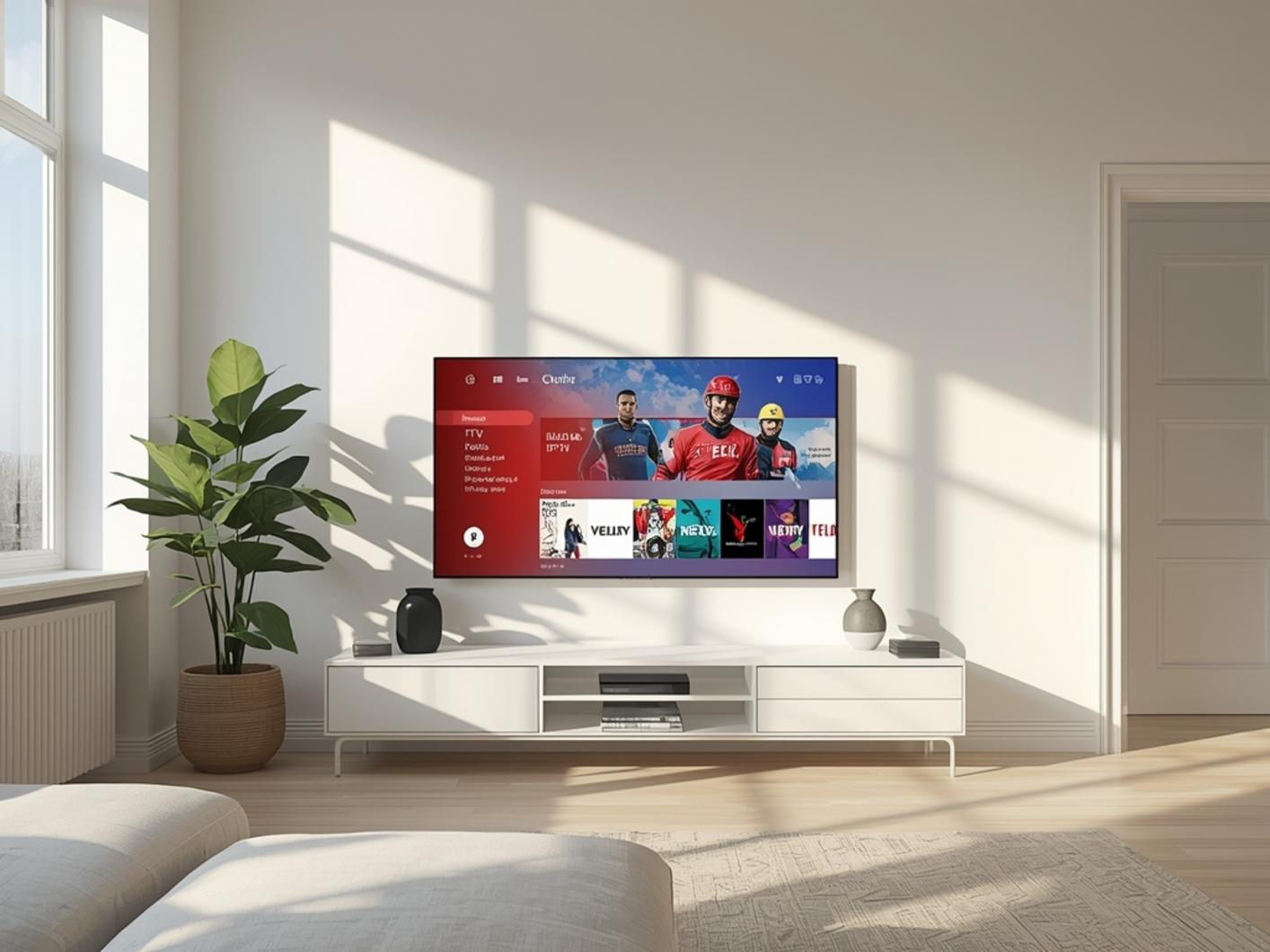
Setting up your australia iptv service is straightforward when following these steps:
1. Install your preferred player app from your device’s app store
2. Launch the application and select “Add New Playlist” or “Add New Subscription”
3. Choose your input method:
– M3U URL/Playlist (recommended for most users)
– Xtream Codes API (if provided by your service)
– Stalker Portal (for MAG devices)
4. Enter your credentials provided by your subscription service
5. Configure EPG settings using the URL provided by your australia streaming services provider
6. Customize your interface by organizing channels, creating favorites, and adjusting display settings
7. Test various channels to ensure everything is working correctly
Most apps allow you to backup your configuration, which is highly recommended once you’ve completed setup.
Streaming Benefits & Advantages
The primary advantage of modern streaming solutions is the unparalleled flexibility and content variety. Benefits include:
– UHD/4K quality content available on compatible devices and sufficient bandwidth
– Multi-device accessibility allowing simultaneous viewing across different screens
– Catch-up TV features for watching previously aired content
– Extensive international content from different regions
– No long-term contracts with most providers offering monthly payment options
– Significantly lower cost compared to traditional cable packages
– Customizable channel lineups and user interfaces
For sports enthusiasts, many services offer dedicated sports packages with comprehensive coverage of global sporting events that might not be available through conventional broadcasting.
Expert Tips & Alternatives
For optimal performance:
– Use TiviMate Premium for Android-based devices – its interface and features are unmatched
– Consider a VPN service to enhance privacy and potentially access geo-restricted content
– Utilize external players like VLC for formats not supported by your primary app
– Set up playlists on multiple apps as a backup solution
– Enable automatic playlist updates within your app settings
– Create custom groups for easier navigation of your favorite channels
– For families, set up profiles with parental controls for child-appropriate content
Common Mistakes to Avoid
Many new users encounter these preventable issues:
1. Using outdated applications or devices with insufficient processing power
2. Sharing subscription credentials publicly or with too many users
3. Forgetting to update apps and firmware regularly
4. Not backing up configuration settings
5. Using unstable or overloaded Wi-Fi networks instead of ethernet
6. Ignoring buffering solutions like adjusting video quality or using external players
7. Purchasing lengthy subscriptions from untested providers
Maintenance & Performance Tips
To ensure optimal performance:
– Regularly clear cache in your streaming applications
– Update your apps and device firmware when new versions are available
– Restart your streaming device weekly to clear memory
– Monitor your internet speed and contact your ISP if performance degrades
– Consider upgrading your home network with a mesh system for better coverage
– Use adaptive streaming settings during peak usage hours
– Schedule automatic playlist updates during off-peak hours
Conclusion
Setting up your australia iptv solution might seem daunting initially, but the benefits far outweigh the learning curve. With access to thousands of channels, on-demand content, and flexible viewing options, it’s easy to understand why so many Australians are making the switch. Whether you’re complementing existing australia streaming services or creating an entirely new entertainment ecosystem, the right setup will transform how you consume media. Remember to choose reputable providers, maintain your system regularly, and keep your apps updated for the best possible experience.
FAQs
How many devices can I use with one subscription?
Most providers allow 1-4 connections simultaneously, depending on your subscription tier. Check your provider’s terms for specific limitations.
Is using IPTV services legal in Australia?
Legal IPTV services that properly license their content are completely legal. Always verify that your provider has appropriate content distribution rights.
Why does my stream buffer despite having fast internet?
Buffering can result from network congestion, server load, inefficient device hardware, or Wi-Fi interference. Try using a wired connection or adjusting video quality settings.
Can I record shows to watch later?
Many IPTV applications offer recording functionality, though you’ll need sufficient storage space on your device or external storage.
Do I need a VPN with my streaming service?
While not strictly necessary, a VPN provides additional privacy and may help with consistent access to certain content.