
How to grow your TV experience with IPTV Box – 10 Tips
In today’s streaming landscape, more viewers are turning to alternative solutions for accessing their favorite content. Setting up an iptv box with a reliable iptv subscription offers a cost-effective way to enjoy thousands of channels and on-demand content. This comprehensive guide walks you through everything you need to know about creating a seamless IPTV setup that delivers high-quality entertainment with minimal technical hassle.
Technical Requirements & Apps
Before diving into the installation process, ensure you have the following essential components:
1. Internet Connection: A stable internet connection with at least 25 Mbps download speed for HD content or 50 Mbps for 4K streaming
2. Streaming Device: Any of these compatible devices:
– Android TV Box
– Amazon Fire Stick/Cube
– Nvidia Shield
– Smart TV with Android OS
– Apple TV (with third-party apps)
3. IPTV Player Apps:
– TiviMate
– IPTV Smarters Pro
– GSE Smart IPTV
– Perfect Player
– VLC Media Player
4. VPN Service (optional but recommended): ExpressVPN, NordVPN, or Surfshark
Activation Timeline & Expectations

The timeline for getting your IPTV service up and running is typically straightforward:
– Subscription Purchase: 5-10 minutes
– Confirmation Email: Usually within 15-30 minutes
– M3U/EPG URL Delivery: 1-2 hours (sometimes instantly)
– Device Configuration: 15-30 minutes depending on technical expertise
– Channel Loading: 2-5 minutes on first launch
Most users can expect to be streaming content within 1-3 hours of initial purchase. Service activation is generally fastest during business hours, with potential delays during weekends or holidays.
Step-by-Step Installation Guide
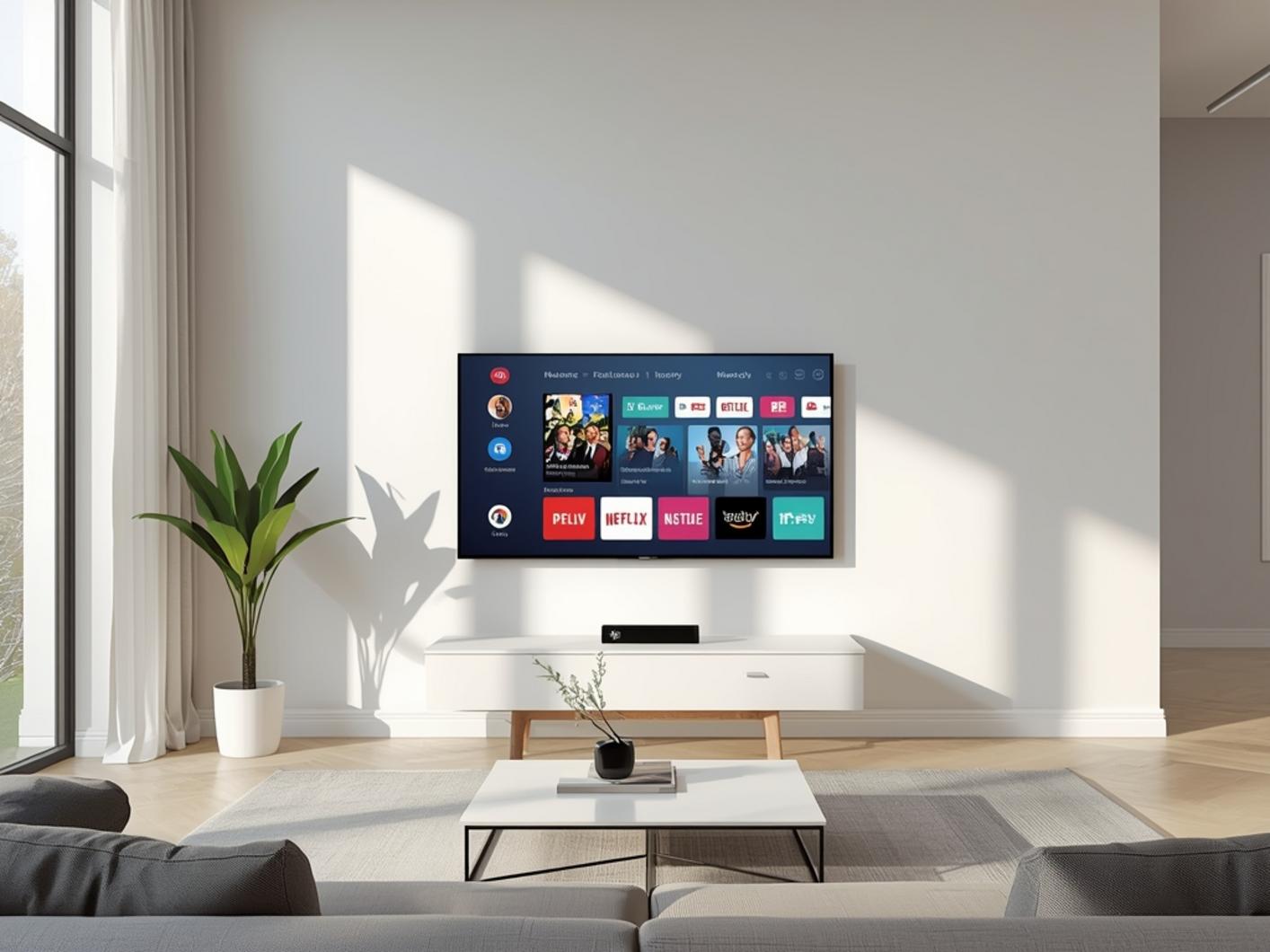
Setting up your iptv box with your new iptv subscription is a straightforward process:
1. Power up your device and connect it to your Wi-Fi network
2. Download an IPTV player app from your device’s app store (TiviMate recommended for beginners)
3. Open the app and look for “Add Playlist” or “Add New Subscription”
4. Enter your M3U URL provided in your subscription confirmation email
5. Add EPG source (if provided separately) for the electronic program guide
6. Name your playlist for easy identification
7. Wait for channels to load completely (may take a few minutes)
8. Organize favorites and create custom channel groups if desired
9. Test several channels to ensure smooth playback
Streaming Benefits & Advantages
The primary advantage of a quality IPTV setup is access to a comprehensive content library including:
– UHD/4K Quality: Many premium channels available in ultra-high-definition
– International Content: Access to channels from 50+ countries in various languages
– Sports Coverage: Live sporting events including PPV without additional fees
– Video-on-Demand: Thousands of movies and TV shows available on-demand
– Multi-Device Compatibility: Use on multiple screens depending on subscription
– No Long-Term Contracts: Flexible monthly or yearly payment options
Expert Tips & Alternatives
For the best performance:
– Use ethernet connections instead of Wi-Fi when possible
– Consider dedicated IPTV players like Formuler Z8 or Buzztv for enhanced experience
– Set up playlists on backup devices in case your primary device fails
– Use external storage for recording content when available
– Update your apps regularly for security and performance improvements
Common Mistakes to Avoid
Even experienced users sometimes make these avoidable errors:
– Using outdated player applications with security vulnerabilities
– Sharing subscription credentials publicly
– Expecting 100% uptime without occasional buffering
– Not backing up playlist URLs and settings
– Streaming 4K content on inadequate internet connections
– Overloading home networks with multiple simultaneous streams
Maintenance & Performance Tips
To maintain optimal performance:
– Clear cache files monthly from your IPTV player
– Restart your device weekly to free up system resources
– Check for firmware updates for your streaming device quarterly
– Run internet speed tests if experiencing persistent buffering
– Create separate user profiles for different household members
Conclusion
Setting up an iptv box with a reliable iptv subscription provides a flexible and cost-effective alternative to traditional cable or satellite services. By following the guidelines outlined in this article, you can enjoy a seamless streaming experience with access to thousands of channels and on-demand content. Remember that proper setup and maintenance are key to getting the most out of your IPTV system.
FAQs
How many devices can I use with one IPTV subscription?
Most providers allow 1-4 simultaneous connections, depending on your subscription plan. Check with your specific provider for limitations.
Do I need a VPN with my IPTV service?
While not strictly required, a VPN is recommended for privacy protection and to prevent potential ISP throttling of streaming services.
Can I record shows from my IPTV channels?
Yes, many IPTV players offer recording functionality if your streaming device has sufficient storage space or an external drive attached.
What should I do if channels are buffering frequently?
First check your internet speed, restart your device, and ensure you’re not exceeding your connection limit. If problems persist, contact your provider.
Is it legal to use IPTV services?
Legality varies by country and depends on specific content being streamed. Research your local regulations regarding IPTV usage.