
How to Set Up Your IPTV Subscription
In the evolving landscape of digital entertainment, iptv services have revolutionized how we consume media. With the right setup and configuration, your IPTV subscription can provide access to thousands of channels from around the world, on-demand content, and exclusive programming that traditional cable services simply can’t match.
This comprehensive guide will walk you through everything you need to know to properly set up your service and optimize your viewing experience.
Technical Requirements & Apps
Before diving into the installation process, ensure you have all the necessary equipment to make your IPTV experience seamless:
1. Compatible Devices: Smart TV, Android TV Box, Amazon Fire Stick, NVIDIA Shield, or Apple TV
2. Internet Connection: Minimum 25 Mbps download speed (50+ Mbps recommended for 4K content)
3. IPTV Player Applications: VLC Media Player, Perfect Player, IPTV Smarters, GSE Smart IPTV, or TiviMate
4. Storage Device: External hard drive or USB stick (for recording, if desired)
5. Quality Router: Dual-band router with strong Wi-Fi coverage or Ethernet connection
Having these elements in place ensures you’re well-equipped to begin your streaming journey without technical limitations.
Activation Timeline & Expectations
When setting up your new service, understanding the timeline helps set realistic expectations:
– Initial Activation: Most services activate within 12-24 hours after purchase
– First-Week Performance: Expect a brief learning curve as you customize settings
– Channel Loading: First-time channel loading may take 3-5 minutes
– EPG Updates: Electronic Program Guide typically updates every 24-48 hours
– Buffering Reduction: Performance typically improves after the first week as the service learns your usage patterns
Remember that seasonal events and major sports competitions might cause temporary increased load on servers, potentially affecting streaming quality during peak hours.
Step-by-Step Installation Guide
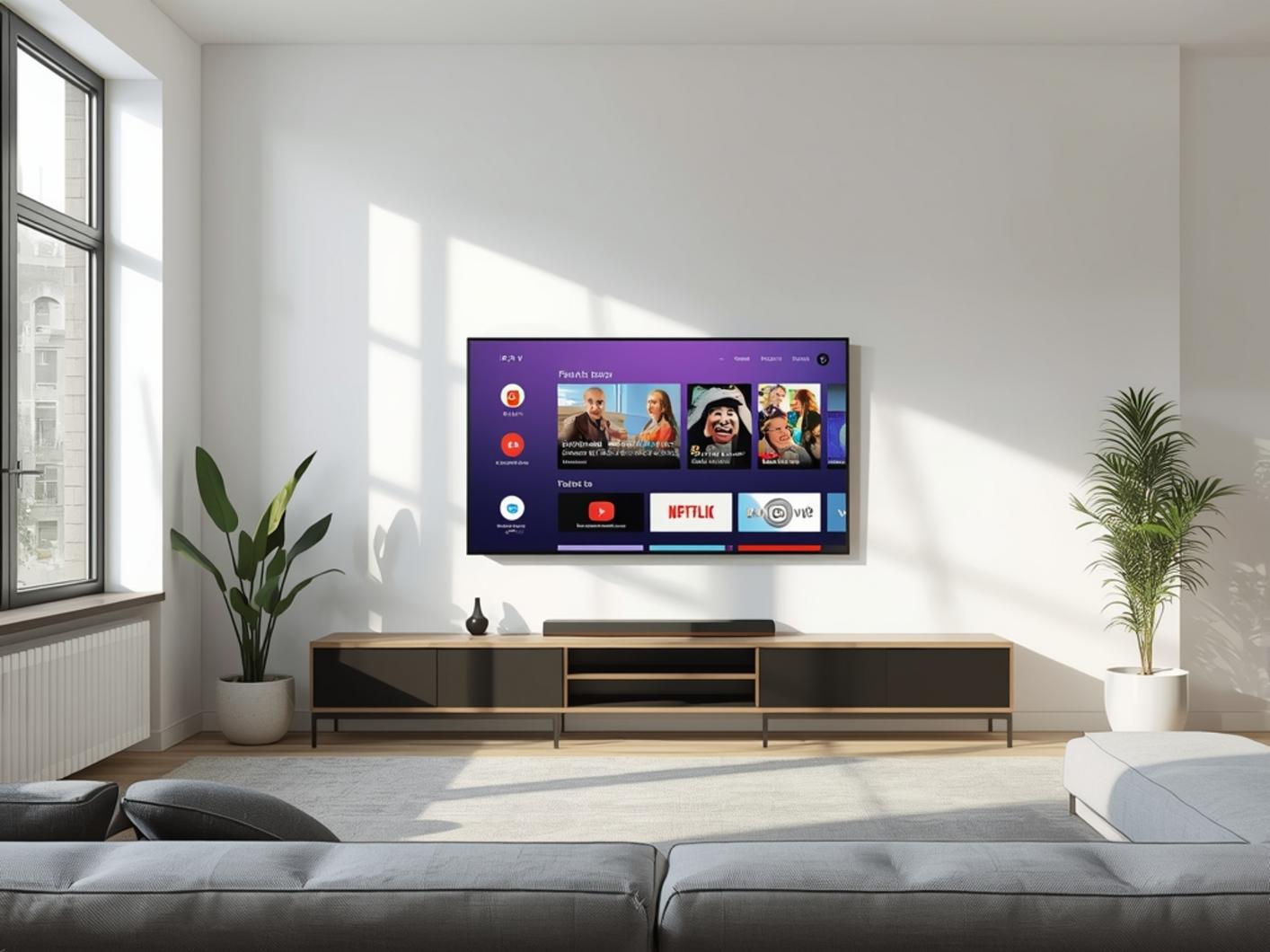
Follow these detailed steps to properly install your iptv service:
1. Purchase Your Service: Choose a reputable IPTV subscription provider
2. Download the App: Install a recommended IPTV player application on your device
3. Gather Credentials: Locate the M3U URL, username, and password sent by your provider
4. Enter Details: Input your credentials in the app’s settings section
5. Configure EPG: Set up the Electronic Program Guide using the provided XML URL
6. Organize Channels: Create custom groups for favorite channels and genres
7. Adjust Video Settings: Optimize buffer size and video quality based on your internet speed
8. Test Connection: Verify stream stability across different channels and content types
For advanced users, consider setting up a VPN service to enhance privacy and potentially improve connection stability.
Streaming Benefits & Advantages
Properly configured IPTV services offer exceptional advantages over traditional television:
– Superior Quality: Access to UHD/4K content with crystal-clear resolution
– Global Content: International channels from virtually every country
– Cost Efficiency: Significant savings compared to cable or satellite services
– Multi-Device Access: Stream simultaneously on different devices within your household
– Time-Shifting Features: Catch-up TV and recording options for flexible viewing
– No Hardware Limitations: Freedom from proprietary boxes and equipment rental fees
These benefits represent the modern evolution of television consumption, giving viewers unprecedented control and variety.
Expert Tips & Alternatives
For optimal performance, consider these expert recommendations:
– Use dedicated IPTV players rather than web browsers for smoother playback
– Consider setting up an IPTV service on Kodi for a comprehensive media center experience
– Implement a network-wide VPN at router level for consistent protection
– Explore IPTV service integration with home automation systems
– Test different players to find the one that works best with your specific hardware
– Use Ethernet connections whenever possible for more stable streaming
Common Mistakes to Avoid
Don’t fall prey to these common setup errors:
– Using outdated applications that lack modern codec support
– Attempting to stream 4K content on inadequate internet connections
– Ignoring buffer settings that need adjustment for your specific connection
– Overlooking VPN throttling that may affect streaming speeds
– Failing to regularly update your IPTV application to the latest version
– Using public Wi-Fi for streaming, compromising both security and quality
Maintenance & Performance Tips
To ensure continued optimal performance:
– Clear app cache monthly to prevent slowdowns
– Regularly update your playlist and EPG information
– Monitor internet speeds during different times of day
– Consider dedicated bandwidth allocation for your streaming device
– Perform regular speed tests to ensure your provider maintains promised speeds
– Restart your network equipment weekly to clear potential issues
Conclusion
Setting up your iptv service properly is the key to unlocking a world of content at your fingertips. By following this comprehensive guide, you’ll avoid common pitfalls and optimize your streaming experience. Remember that a quality IPTV subscription combined with proper technical setup creates the foundation for endless entertainment options. Take the time to configure your system correctly, and you’ll enjoy a seamless viewing experience for years to come.
FAQs
Q: How much internet speed do I really need for IPTV streaming?
A: For standard definition content, 5-10 Mbps is sufficient. HD content requires 10-25 Mbps, while 4K streaming needs at least 25-50 Mbps for buffer-free viewing.
Q: Can I use my IPTV subscription on multiple devices simultaneously?
A: This depends on your provider’s terms. Many services allow 1-5 concurrent connections, but verify this before purchasing.
Q: Why does my stream buffer despite having fast internet?
A: Buffering can occur due to server issues, network congestion, inadequate device processing power, or improper buffer settings in your IPTV player.
Q: Are VPNs necessary for IPTV streaming?
A: While not strictly necessary, VPNs can improve streaming quality by preventing ISP throttling and enhancing privacy and security.
Q: How often should I update my IPTV playlist?
A: Most services update playlists automatically, but manually refreshing every 24-48 hours ensures you have the most current channel lineup and EPG data.