
Setting Up IPTV: The Complete Guide for Australians
Introduction
In recent years, streaming television has revolutionised how Australians consume media. If you’re looking to expand your entertainment options, good aussie iptv solutions can provide access to hundreds of channels without the hefty price tag of traditional cable. Unlike conventional services, IPTV (Internet Protocol Television) delivers content via your internet connection rather than through satellite or cable infrastructure. With the best aussie iptv service, you can enjoy local Australian channels, international programming, and on-demand content all in one convenient place. This comprehensive guide will walk you through everything you need to know to get started with IPTV in Australia.
Technical Requirements & Apps
To enjoy a seamless IPTV experience, you’ll need the following:
1. A stable internet connection – Minimum 10Mbps for standard definition content, 25Mbps or higher recommended for HD/4K streaming 2. Compatible device – Options include: – Android TV Box (such as NVIDIA Shield or Mi Box) – Amazon Fire TV Stick – Apple TV – Smart TV with Android TV OS – Computer or laptop – Smartphone or tablet 3. IPTV subscription – From a reputable provider offering Australian content 4. IPTV player application – Popular options include: – VLC Media Player – IPTV Smarters Pro – Perfect Player – TiviMate – GSE Smart IPTV
Remember that the quality of your experience largely depends on having the right technical setup in place before installation.
Activation Timeline & Expectations

Once you’ve purchased an IPTV subscription, the activation process typically follows this timeline:
1. Immediate to 24 hours – Receipt of login credentials and access information 2. 5-15 minutes – App download and installation 3. 10-30 minutes – Initial setup and configuration 4. 1-2 hours – Exploring and organising channels/content
What to expect from your IPTV service: – Access to 1,000+ channels (varies by provider) – Video-on-demand libraries – Electronic Programme Guide (EPG) – Multi-device compatibility (typically 1-4 devices depending on subscription) – Regular content updates
Step-by-Step Installation Guide
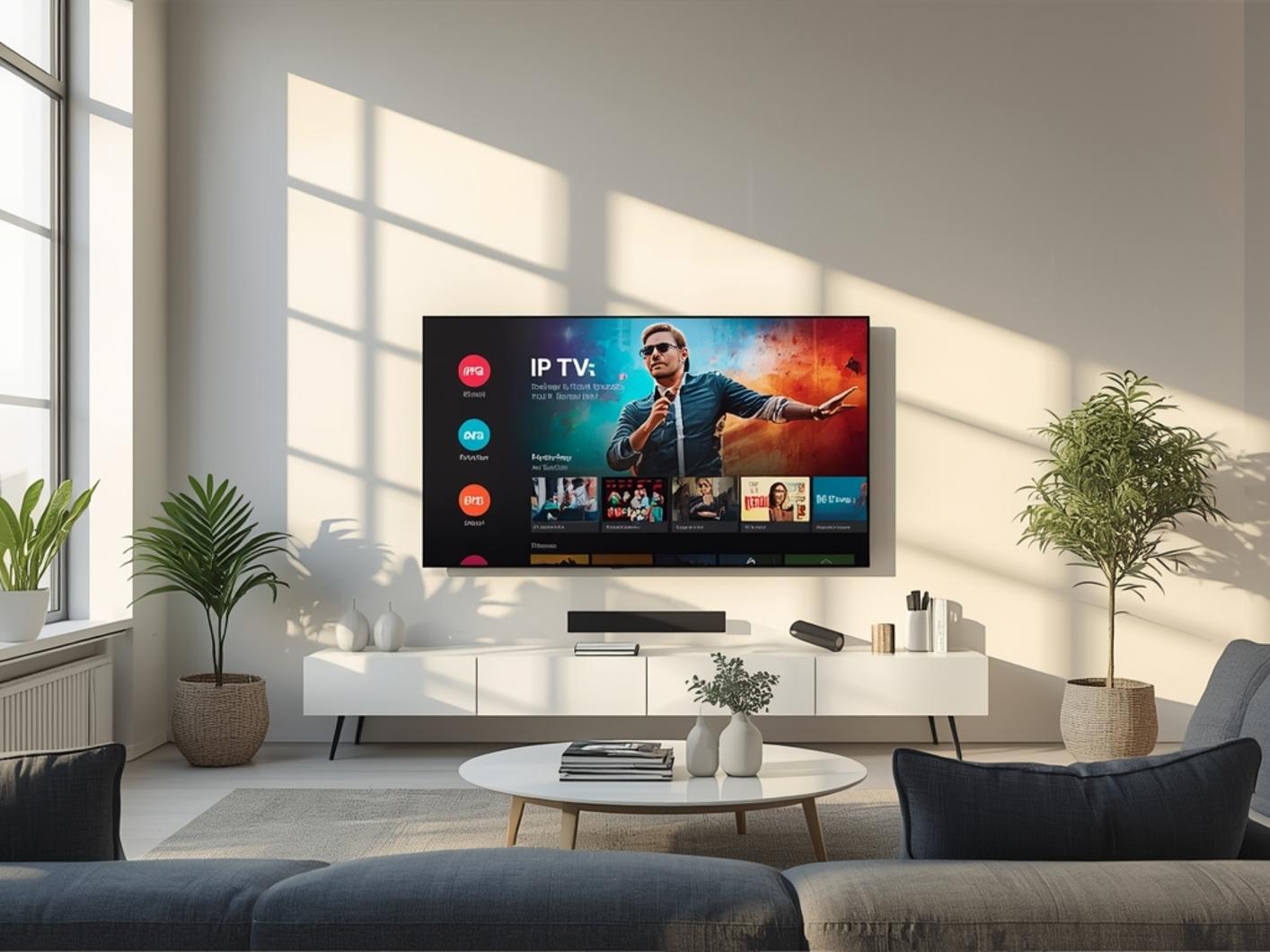
Setting up a good aussie iptv system is straightforward if you follow these steps:
1. Purchase a subscription from the best aussie iptv service for your needs 2. Download your preferred IPTV player app on your device 3. Enter your credentials provided by your IPTV service: – For M3U URL: Enter the provided URL in your player app – For M3U File: Download the file and load it into your player – For MAC Address: Enter the MAC address in the appropriate field 4. Organise your channels into favourites or categories 5. Configure stream quality settings based on your internet connection 6. Set up EPG (Electronic Programme Guide) if available
Streaming Benefits & Advantages
Switching to IPTV offers numerous advantages for Australian viewers:
– Superior video quality – Many services offer UHD/4K content – Cost-effective – Typically much cheaper than traditional cable or satellite – Flexible viewing – Watch on multiple devices around your home – No long-term contracts – Most services offer monthly subscriptions – Extensive content library – Access to international channels not normally available in Australia – Time-shifting capabilities – Catch up on missed shows with recording features – Australian content – Local channels and regional programming
Expert Tips & Alternatives
To maximise your IPTV experience:
1. Use a VPN to enhance privacy and potentially improve streaming performance 2. Consider external storage for recording capabilities 3. Invest in a quality IPTV player like TiviMate Premium for better interface and features 4. Set up multiple profiles for different household members 5. Use Ethernet instead of WiFi where possible for more stable streaming
Alternative solutions if IPTV isn’t right for you: – Kodi with add-ons – Plex with live TV integration – Free-to-air digital TV with a PVR
Common Mistakes to Avoid
Don’t fall into these common pitfalls:
1. Choosing the cheapest provider – Quality and reliability matter more than price 2. Ignoring buffer size settings – Critical for smooth playback 3. Using outdated hardware – Can cause performance issues 4. Skipping VPN protection – May expose your viewing habits 5. Overloading your network – IPTV requires significant bandwidth
Maintenance & Performance Tips
Keep your IPTV service running smoothly with these maintenance tips:
1. Regularly update your apps and firmware 2. Clear cache periodically 3. Monitor your internet speed and bandwidth usage 4. Restart devices weekly 5. Check for EPG updates 6. Review subscription renewal dates
Conclusion
Setting up IPTV in Australia opens up a world of entertainment possibilities beyond traditional television. With the right equipment and a good aussie iptv setup, you can enjoy thousands of channels and on-demand content at a fraction of the cost of cable. Remember to research providers thoroughly to find the best aussie iptv service for your specific needs, as quality and reliability can vary. By following the steps and tips in this guide, you’ll be well on your way to an enhanced viewing experience that puts you in control of your entertainment.
FAQs
Is IPTV legal in Australia? IPTV itself is legal technology, but the content provided must be properly licensed. Always ensure your provider has appropriate rights to distribute the content they offer.
How much internet bandwidth do I need for IPTV? For standard definition channels, 3-5Mbps is sufficient. HD channels require 5-10Mbps, while 4K content needs 25Mbps or more per stream.
Can I use IPTV while travelling internationally? Yes, most IPTV services work internationally, though you may need a VPN to access geo-restricted content. Check with your provider about any usage limitations.
What’s the difference between IPTV and regular streaming services like Netflix? IPTV typically offers live TV channels similar to cable television, while services like Netflix provide on-demand content without live programming.
How many devices can I use with one IPTV subscription? This varies by provider, but most services allow between 1-4 simultaneous connections, depending on your subscription tier.